
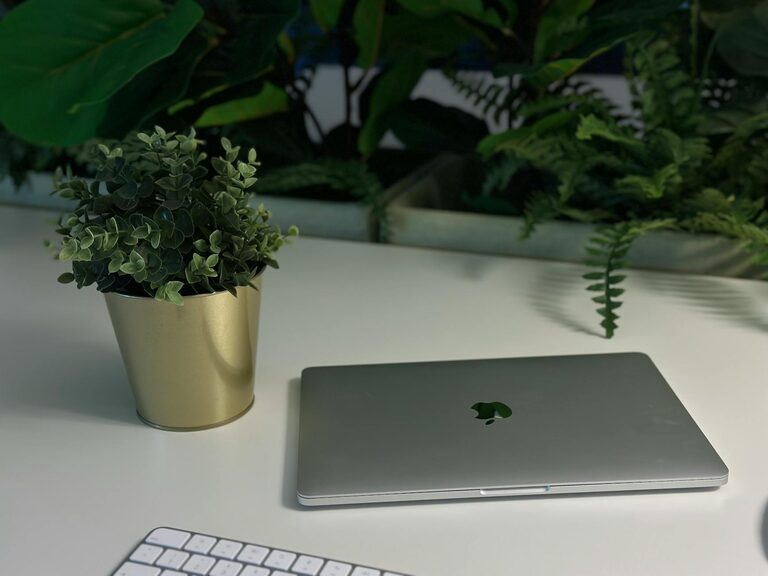
Creating a comfortable and inspiring workspace can make a big difference in how you feel throughout your workday. However, busy schedules often leave little time for deep cleaning or redecorating. The good news is you can refresh your workspace in just ten minutes, giving yourself a quick boost of energy and focus. In this post, we’ll share simple, effective steps to quickly declutter, organize, and brighten your work area.
Why Refreshing Your Workspace Matters
A tidy and pleasant workspace helps reduce stress, improve concentration, and increase motivation. Even small changes can create a more positive atmosphere and encourage better work habits. Instead of waiting for a full makeover, regular mini-refreshes keep your environment welcoming and functional.
What You’ll Need
Before you start, gather a few supplies:
– A small trash bag or bin
– Cleaning wipes or a microfiber cloth
– A container or box for items that don’t belong on your desk
– Sticky notes or a notepad for quick reminders
– Optional: a small plant or personal item to add after cleaning
Having these ready makes the process smooth and efficient.
Step 1: Clear the Surface (2 minutes)
Start by removing everything from your desk surface. Don’t worry about organizing yet – just take everything off so you can see the entire area clearly. This includes papers, office supplies, gadgets, mugs, or decorations.
Step 2: Quick Clean (2 minutes)
With the surface clear, wipe down your desk with a cleaning wipe or microfiber cloth. Pay special attention to areas where dust or crumbs gather, such as corners or around your keyboard and mouse. Clean any screens or keyboards if possible.
Step 3: Sort and Declutter (3 minutes)
Go through the items you cleared off and sort them into three groups:
– Keep on Desk: Items you use daily, like your computer, notebook, or essential pens
– Relocate: Things that belong elsewhere, such as dishes or mail
– Discard: Trash, expired papers, or broken items
Put the “Relocate” items in the container or box to put away later, throw away the trash, and neatly arrange the “Keep” items.
Step 4: Organize Essentials (2 minutes)
Arrange the items you’re keeping in a practical and visually pleasing way. Consider how you use your desk:
– Place your computer or laptop front and center
– Keep frequently used supplies within arm’s reach
– Group similar items together, like writing tools in a cup or tray
– Use small organizers or trays if available to keep things tidy
Organizing essentials reduces distraction and makes your workspace feel more intentional.
Step 5: Add a Personal Touch (1 minute)
Finally, add a small item to boost your mood or motivation. This could be a plant, a framed photo, a motivational quote on a sticky note, or a small decorative object. These personal touches make your workspace inviting without creating clutter.
Bonus Tips for Maintaining a Fresh Workspace
– Set a timer once a day or week to do a quick 5–10 minute tidy-up
– Keep a small trash bin nearby to avoid piling garbage on your desk
– Use cable organizers to keep cords neat and prevent tangles
– Consider your lighting—adjust blinds or add a desk lamp to make your space brighter and more comfortable
Conclusion
Refreshing your workspace doesn’t have to be a big project. With just ten minutes, you can clear clutter, clean your desk, and create a more inviting space that supports your productivity. Try making this quick refresh part of your regular routine and enjoy a workspace that works for you!
—
Feel free to share your favorite quick workspace refresh tips in the comments below!